




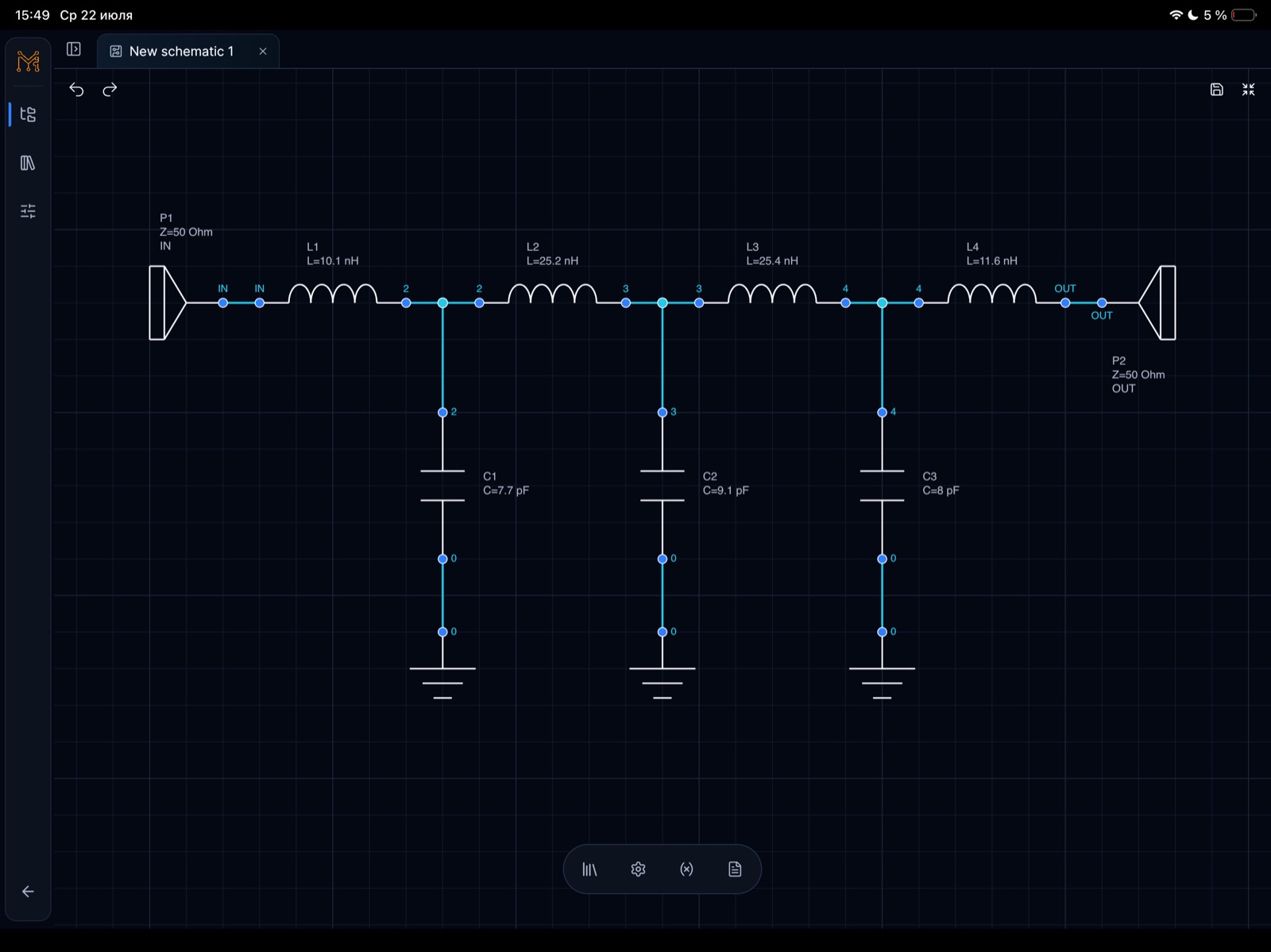
ECAD workspace

Online ECAD schematic editor

Tersa में परिपथ का आरेख बनाएँ, SPICE विश्लेषण चलाएँ, तरंगरूप और S-पैरामीटर देखें और घटकों के मान बदलकर परिणामों की तुलना करें।

SPICE workflow खोलें →
Online ECAD schematic editor · iPad

Quick analog और RF experiments के लिए

Product full desktop EDA suites को replace करने की कोशिश नहीं करता. यह capture, analysis setup, measurements, plots, tuning और fast iteration पर focus करता है.

  • Touch-friendly schematic editing
  • AC, transient और RF analysis setup
  • Live component value tuning
  • Plots, markers और measurement views

Shared analysis model

हर engineering surface उसी product loop में जाती है: schematic बनाना, analysis चुनना, measurements जोड़ना, results inspect करना और values tune करना.

  • Schematic capture source of truth रहता है
  • Measurements plots से जुड़े रहते हैं
  • RF और analog workflows navigation share करते हैं
  • Results future cloud sync के लिए structured हैं

विश्लेषण जारी रखें

RF design जारी रखें

Matching theory, Tersa workflow, S-parameter analysis और Smith chart inspection को जोड़ें।

अक्सर पूछे जाने वाले प्रश्न

क्या यह PCB layout tool है?

अभी नहीं. Current public positioning schematic capture, simulation, measurements, plots और analog/RF tuning है.

क्या यह ADS, AWR या LTspice की replacement है?

नहीं. यह heavyweight desktop tools को complement करने वाला lightweight RF और analog tuning workspace है.